
Key takeaways
- A cloud HRMS runs on the vendor's infrastructure and you reach it over the browser, billed per employee per month. On-premise runs on a server you own, bought once with annual maintenance on top.
- Cloud suits most companies below a few thousand employees. On-premise wins where data residency, a client contract or unreliable connectivity at a plant makes it necessary.
- Six to eight weeks for a straightforward HRMS; three to five months with payroll, attendance and accounting integrations.
- If you need payroll too, one system is usually cheaper: payroll depends on attendance, leave and the employee master.
- Most projects fall between ₹5 lakh and ₹40 lakh, roughly $6,000 to $50,000, as a fixed price for a defined scope.
- An off-the-shelf HRMS is often the right answer. A build earns its cost when your leave, shift or approval rules do not fit a product.
DECK IT, Ahmedabad, builds and implements cloud HRMS platforms: an HR management system delivered as software as a service, with no server to run in your own office. One system covers payroll, recruiting, leave, attendance and employee self-service. A standard cloud rollout is live in 6–8 weeks; an on-premise deployment, or one with heavy customisation and data migration from an existing system, takes three to five months. An HR Management System is a comprehensive software that integrates core and strategic HR functions into a single solution. HRMS generally includes an employee self-service portal which acts as the interactive platform through which the employees can handle various HR-related activities and a centralized database. An HRMS automates the administrative work and gives one place to look for the answer. Few of the companies we set up are replacing an earlier HRMS. Usually HR runs on a few spreadsheets, an inbox everyone shares and an attendance machine whose data comes out as a monthly file, and where a team starts from shapes the rollout more than any feature list. In any organization - whether it is a small-scale business or a large corporate, there are many HR-related functions. Recruitment & Hiring, Personal Information Management, Leave Management, Attendance & Time Tracking, Performance Management, Document Management, Employee Benefits, etc. are few of the activities that the HR of an organization is straddled with. These activities require a lot of manual effort in managing the documents, keeping track of the activities, responding to the queries etc. With our HR Management System, you can automate and streamline these various activities of HR. Our solutions are easy to implement and can be customized to your specific organizational requirement. With our unique proposition, once the initial implementation is done and you are onboarded on to the platform, you can easily add or remove from the whole gamut of HR services that we offer. You can start with any specific module and then add up or make changes on the go. Our HR Management System provides solutions for various HR activities but ensures that there is a single interface for the employees as well as the HR. This ensures that they are shielded from the complexity of the various functions and have an easier user interface. The employee self-service portal enables the employees to get a range of activities done – applying for leave, clock-in & clock-out, check payslips, tax proof submissions, submitting HR requests, etc. Through the centralized database, HR can get access to all this information and track the requests. This ensures that there are no lapses from both ends. A cloud HRMS runs on the vendor's infrastructure and you reach it over the browser, billed as a subscription. On-premise HR software runs on a server you own, bought once with an annual maintenance contract on top. The practical differences are who patches it, who is responsible when it is down, and how the cost appears in your accounts: a monthly operating cost against a capital purchase that depreciates. Cloud suits most companies under a few thousand employees, because the alternative is paying somebody to keep a server alive. On-premise still wins where a data-residency rule, a client contract or a factory with unreliable connectivity makes it necessary. We build both, and we will say which one your situation argues for before quoting. The three names overlap and vendors use them loosely. In practice: an HRIS keeps the employee record, leave and attendance; an HRMS adds payroll and a self-service portal; an HCM adds the strategic layer on top, such as performance, succession and workforce planning. Buying an HCM to do an HRIS job is the most common way of overpaying here. Decide which of the three problems you actually have before comparing products. Cloud HRMS is normally priced per employee per month, so headcount is the first number that matters and the subscription grows with the company. What moves it beyond headcount: how many modules you switch on, whether payroll is included or billed separately, data migration from the existing system, integrations with a biometric device or accounting software, and whether support is business hours or round the clock. Ask for the per-employee price, the modules it includes, and what the first year costs in total including migration. A quote that gives only a monthly figure is hiding the implementation. A payroll module sold into India has to handle provident fund, ESI, professional tax, income-tax deduction at source and gratuity, and it has to produce Form 16 and the returns without somebody re-keying figures into a portal. Professional tax varies by state, which is the detail that catches companies with offices in more than one. Confirm the current rates and thresholds with your auditor when you write the requirements: they change, and a vendor's defaults are not a substitute for checking. Our payroll management page covers the payroll side on its own. Rarely, and that is worth saying plainly on a page that sells both. A configurable cloud HRMS covers what most companies need, and the honest answer is usually to configure one. A build earns its cost when a workflow is genuinely yours rather than ordinary — a shift or piece-rate scheme no product models, a union agreement with unusual rules, or an existing system that has to stay and be integrated rather than replaced. Our guide to custom software versus off-the-shelf walks through that decision with the arithmetic. A cloud HRMS in India costs roughly ₹45 to ₹100 per employee per month before GST. Here is what that means at your headcount, and what the rate leaves out. Most Indian companies choose a cloud HRMS. Here are the four constraints that still justify on-premise HR software, and the five-year cost sum. What a school ERP actually costs in India in 2026: per-student against flat annual pricing and where each one wins, the lines that never appear on the quote, and a worked first-year total for a 600-student school.
HR Management System

How is DECK IT’s HRMS customised to your requirements?
Which HR activities does one platform cover?
What is a cloud HRMS, and how does it differ from on-premise HR software?
HRIS, HRMS or HCM: which one are you buying?
What does a cloud HRMS cost in India?
What Indian statutory compliance must it handle?
When does a custom build beat a cloud product?
How do I get started with the HRMS?

Easy user interface

Single platform for multiple HR activities

Easy one-time implementation

Freedom of customization

Live tracking and alerts.
Connect with us for a Free Consultation
DECK IT’s engineers look forward to working with you.
Things we've written
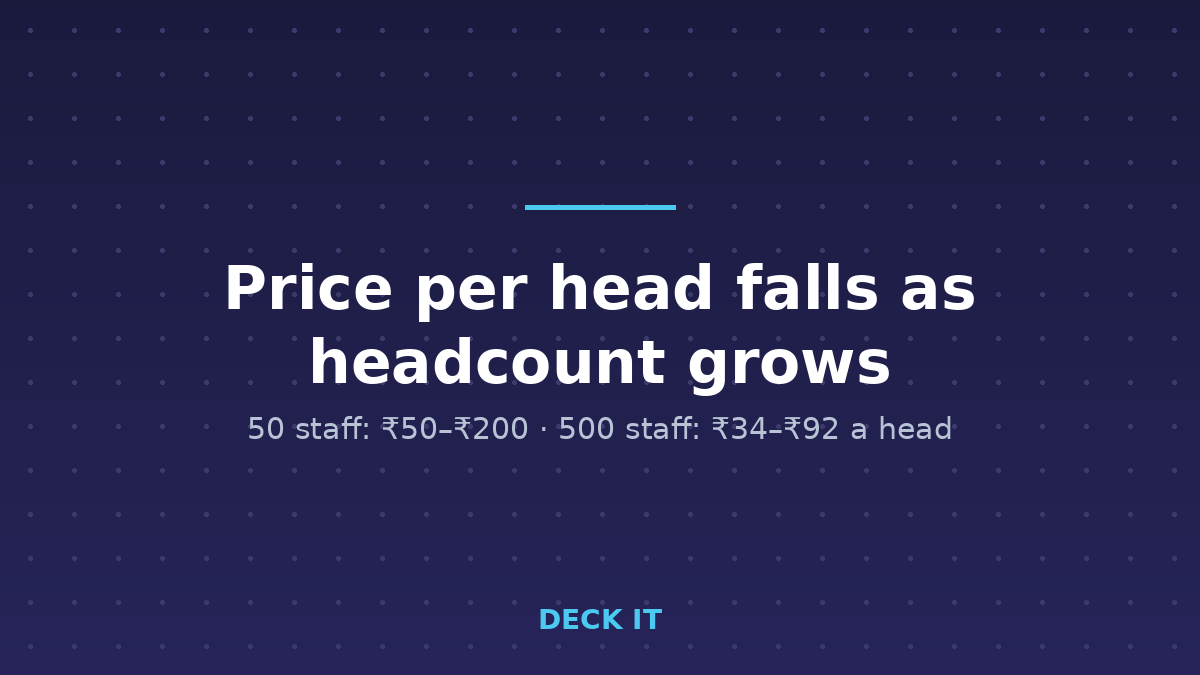
Cloud HRMS Cost in India: Price Per Employee Per Month
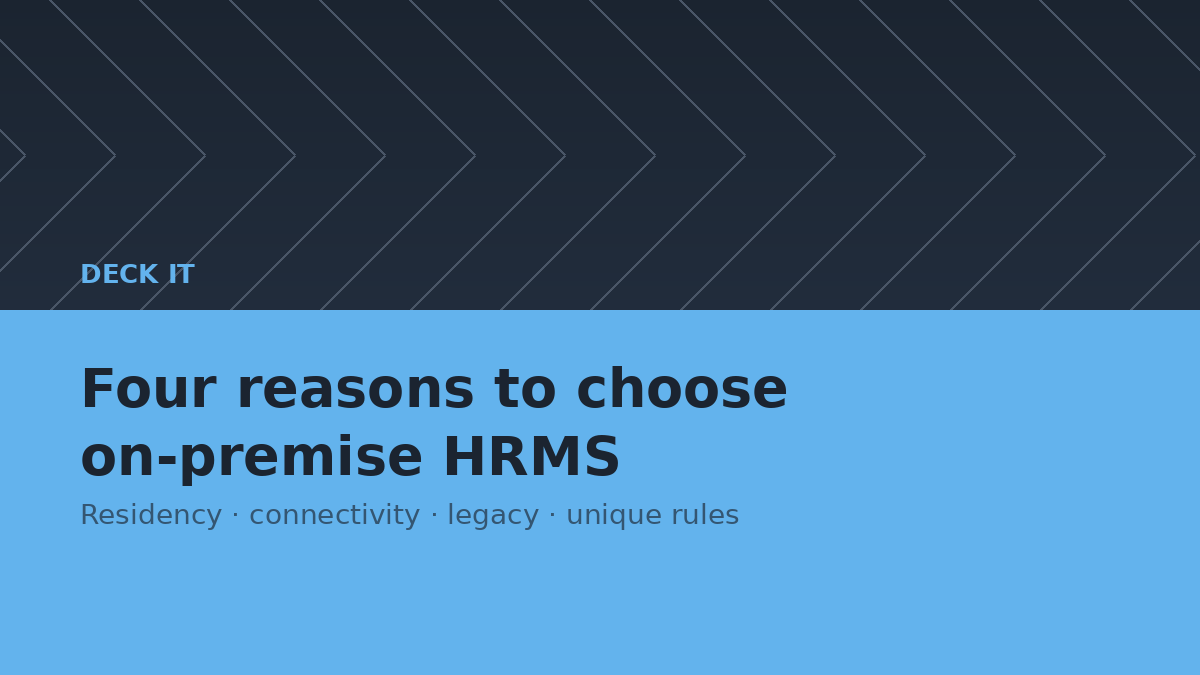
Cloud vs On-Premise HRMS: What Indian Companies Choose

School Management Software Cost in India (2026)








Buy an HRMS or build one?
Buy, unless your leave, shift or approval rules do not fit a product, or you need payroll in the same system.
| Off-the-shelf | Custom build | |
|---|---|---|
| Live in | Days to weeks | Six to eight weeks, longer with payroll |
| Leave, shift and approval rules | What the product models | Yours |
| Payroll in the same system | Usually an add-on module | By design |
| Cost shape | Per employee, per month, forever | Fixed price once, then support |
HR management systems: questions we get asked
What does an HR management system include?
An HRMS brings payroll, recruiting, leave, attendance and employee self-service into one system built on a single employee record. The self-service portal is what HR teams usually notice first, because routine requests such as leave and payslips stop arriving by email and are handled by employees themselves instead.
How long does an HRMS rollout take?
A standard rollout takes six to eight weeks. Most of that is configuration and data migration rather than development: leave policies, shift patterns, payroll rules and the existing employee record all have to move across accurately. Running one payroll cycle in parallel before switching over is the usual safeguard.
Can it handle payroll compliance where we operate?
Yes. Payroll rules are configured for the jurisdiction you operate in, and DECK IT builds for clients in India, the United States, the United Kingdom, the Middle East and Australia. Statutory rules change, so payroll configuration is treated as something to maintain rather than set once at go-live.
Will it work with the systems we already use?
Usually, yes. HR data rarely sits in one place, so integration with accounting, attendance hardware and existing employee databases is part of the build. The number of integrations is one of the main things that moves a timeline, so we map them during scoping rather than finding them mid-project.
Is this a product or a custom build?
DECK IT builds and implements HR systems around how you actually work rather than reshaping your processes to fit a fixed product. Where a packaged HRMS genuinely covers the requirement, that is often the cheaper answer and we will say so during scoping rather than after a contract is signed.
What is a cloud HRMS?
A cloud HRMS is an HR management system you reach over the browser, running on the vendor's infrastructure rather than a server in your office, and billed as a subscription per employee per month. It covers the same ground as on-premise HR software: employee records, leave, attendance, payroll and self-service.
Is cloud or on-premise HR software better?
Cloud suits most companies below a few thousand employees, because the alternative is paying somebody to keep a server patched and available. On-premise still wins where a data-residency rule, a client contract or unreliable connectivity at a plant makes it necessary. We build both and will say which your situation argues for before quoting.
What is the difference between HRIS, HRMS and HCM?
An HRIS keeps the employee record, leave and attendance. An HRMS adds payroll and a self-service portal. An HCM adds the strategic layer on top, such as performance, succession and workforce planning. Buying an HCM to do an HRIS job is the most common way of overpaying, so decide which problem you have before comparing products.
How is cloud HRMS priced in India?
Per employee per month, so headcount is the first number that matters. Beyond that the price moves on how many modules you switch on, whether payroll is included, data migration, integrations with biometric or accounting systems, and support hours. Ask for the per-employee price, what it includes, and the total first-year cost including migration.
Last updated: